
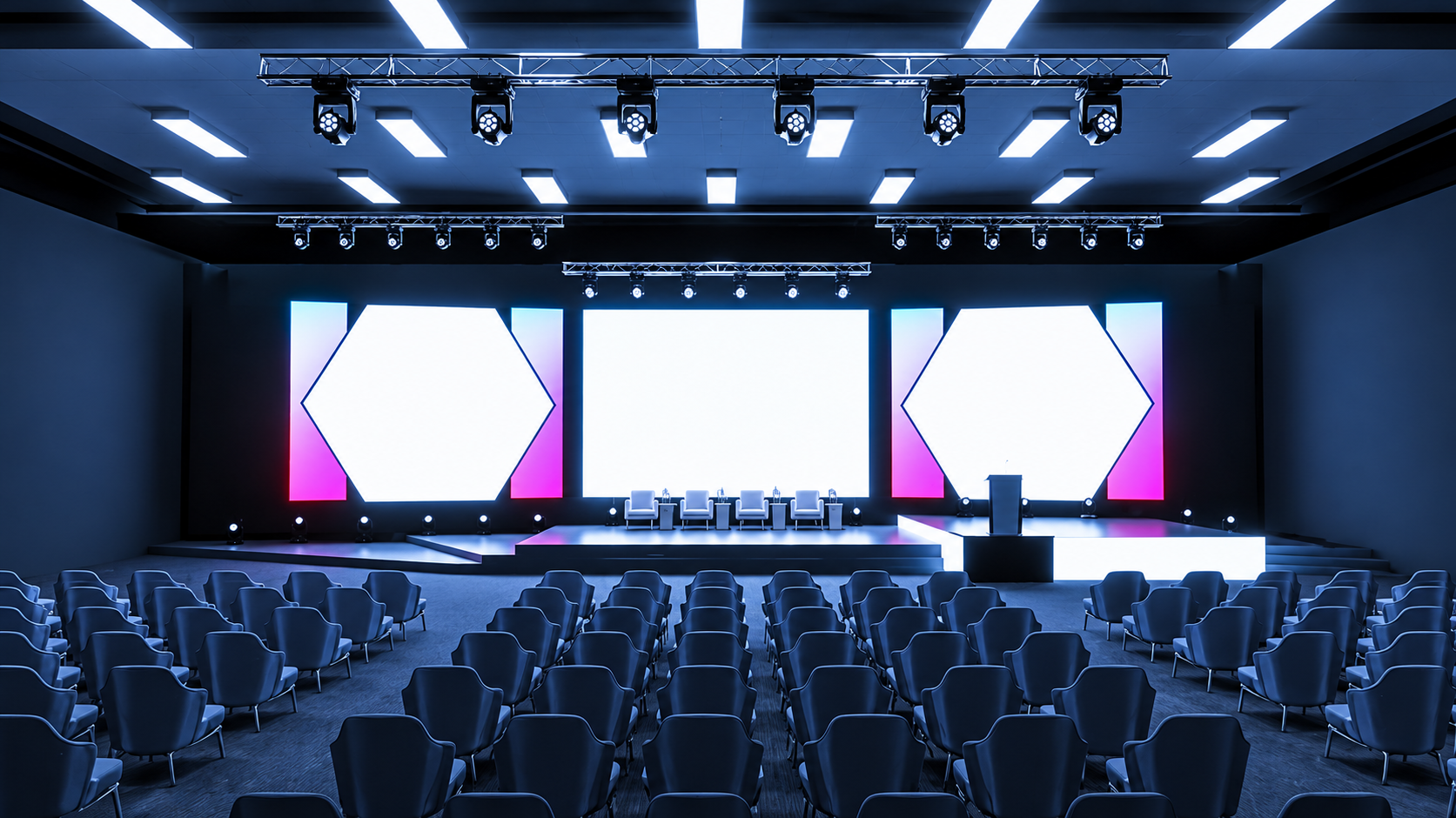
Planning a corporate event involves more than booking a venue and inviting guests. Businesses also need to ensure that presentations are easy to see, speakers can be heard clearly, and the event runs smoothly from beginning to end. Choosing the right audiovisual equipment helps create a professional experience for attendees while supporting the purpose of the event.
Whether you are organising a business conference, product launch, training session, seminar, awards night or annual meeting, your technical requirements will depend on the venue, audience size and event format. Working with a professional provider of audio visual hire in Brisbane can help you identify the equipment needed for your event without hiring unnecessary items or overlooking important details.
Sublime Audio Visual provides tailored audiovisual solutions for corporate functions across Brisbane, the Gold Coast and the Sunshine Coast. This practical checklist explains the essential equipment to consider and how to select the right setup for your event.
Start by Assessing Your Corporate Event Requirements
Before selecting equipment, establish what your event needs to be achieved. A small internal meeting will have different requirements from a conference with multiple speakers, presentation screens, and remote participants.
Begin by considering the following questions:
How many attendees will be present?
Will the event take place indoors or outdoors?
Does the venue already have audiovisual equipment?
Will speakers use presentations, videos or live demonstrations?
Do you need microphones for audience questions?
Will remote attendees participate through a live stream?
Is the event taking place across multiple rooms?
Will you need technical assistance throughout the programme?
These details help determine the type and quantity of equipment required.
For example, a boardroom presentation may only need a display screen, a laptop connection and a suitable audio system. A large corporate conference may require multiple microphones, large-format displays, stage lighting, presentation monitors and an experienced technician.
When arranging AV hire in Brisbane services, share your event schedule and venue details with your supplier. This allows the equipment selection to reflect the actual requirements rather than relying on a standard setup.
Audio Equipment for Clear Communication
Sound quality is one of the most important considerations for any corporate function. If attendees cannot hear a presenter clearly, they may miss important information, regardless of how good the presentation looks. Your audio equipment checklist should include the following items.
PA Systems and Speakers
A public address (PA) system distributes sound throughout the venue. The appropriate setup depends on the room dimensions, audience size, acoustics, and number of speakers.
Small meeting rooms may require a compact audio solution, while conference halls and larger event spaces often need a more extensive speaker in arrangement.
Consider:
Speaker placement for even sound coverage.
Appropriate output for the venue and audience.
Audio connections for laptops and other presentation devices.
Additional speakers where the room layout requires them.
Professional PA and microphone hire in Brisbane can help organisers select suitable equipment for presentations, conferences, panel discussions and corporate functions.
Wireless and Wired Microphones
Microphones allow speakers to communicate clearly without needing to raise their voices. The best option depends on how presenters will move and interact with the audience.
| Microphone type | Best suited for |
|---|---|
| Wireless handheld microphone | Keynote speeches, announcements and audience questions |
| Lapel microphone | Presenters who need to move while speaking |
| Headset microphone | Speakers who require hands-free movement |
| Wired microphone | Lecterns, fixed speaking positions and straightforward presentations |
For panel discussions, consider how many speakers will talk simultaneously and whether the moderator needs a separate microphone.
Visual Equipment for Presentations and Displays
Corporate events frequently rely on slides, videos, product demonstrations, and branded content. The visual equipment must make these materials easy to view from different parts of the venue.
Projectors and Projection Screens
Projectors can be suitable for conferences, seminars, training sessions and presentations in rooms where a large viewing area is needed.
When choosing a projector, consider:
Screen size and viewing distance.
Room brightness and available lighting control.
The resolution of the presentation content.
The distance between the projector and screen.
Compatibility with the presenter's laptop.
A projector that works well in a dark meeting room may not perform effectively in a bright conference space. Screen placement and projector brightness should therefore be assessed before the event.
Explore projector and screen hire from Sublime Audio Visual to identify options that suit your venue and presentation requirements.
LED Screens and Large Displays
LED screens and large-format displays can be useful for product launches, conferences, exhibitions and corporate presentations where visibility is a priority.
They can display presentation slides, promotional videos, speaker names, event schedules and branded content. Larger displays may also be useful when the audience is seated far from the stage.
Before choosing a display, consider the venue dimensions, viewing angles, content format and available installation space.
If your event requires a large display for presentations or visual communication, review LED TV hire in Brisbane to explore suitable options.
Lighting Equipment for a Professional Presentation
Lighting influences both visibility and the overall atmosphere of a corporate event. Poor lighting can make speakers difficult to see, while excessive light on a projection screen can reduce the clarity of presentation content.
Your lighting checklist should account for:
Stage lighting to keep speakers visible.
General lighting for attendee movement and safety.
Adjustable lighting for presentations and video playback.
Event lighting that complements the company’s branding.
Appropriate lighting for photographs and video recordings.
A conference presentation may require straightforward stage illumination, whereas a product launch or awards evening may benefit from a more considered lighting design.
Staging, Lecterns and Presenter Equipment
The physical presentation area is another important part of the audiovisual plan. Staging can improve visibility, establish a clear focal point and help attendees follow the programme.
Depending on the event, you may need:
A stage or raised presentation platform.
A lectern for keynote speakers.
A confidence monitor for presenters.
A timer or presentation cue display.
A branded backdrop or suitable stage background.
Connections for laptops and presentation devices.
A confidence monitor allows presenters to view relevant content without repeatedly turning towards the main screen. This can be particularly useful for speakers delivering longer presentations or following a structured programme.
For panel discussions, allow enough room for chairs, microphones, water and any additional equipment. For awards nights, consider the movement of presenters and recipients on and off the stage.
We offers event services that include staging, lighting and technical support. Visit the Sublime Audio Visual services page to explore solutions for different event formats.
Equipment for Hybrid Meetings and Live Streaming
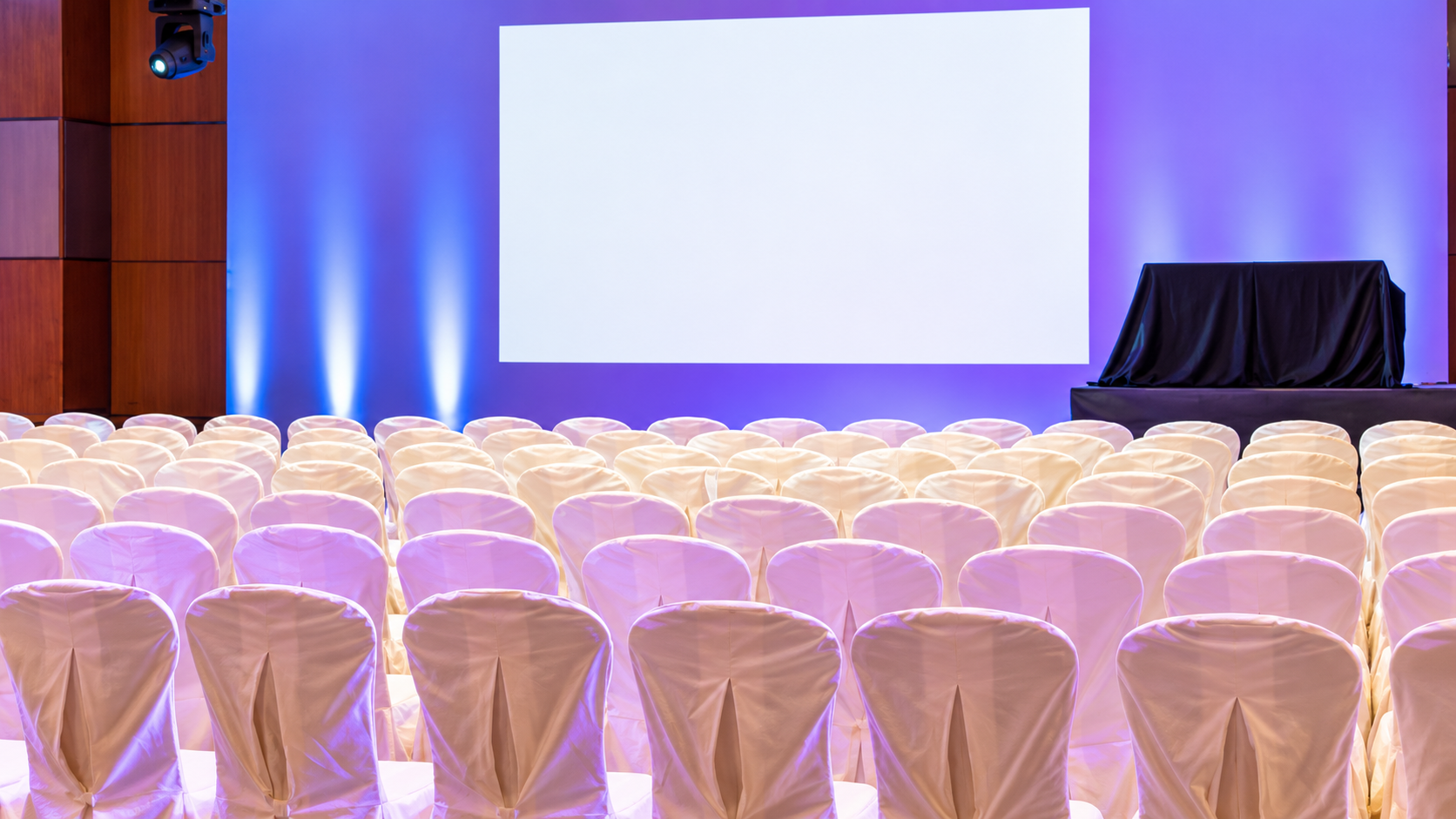
Some corporate events need to connect in-person attendees with people joining remotely. Hybrid meetings, online training sessions and streamed conferences require additional planning because sound and video must work for both audiences.
Depending on your format, consider:
Cameras positioned to capture speakers and presentations.
Microphones that capture speech clearly.
Video connections for remote participants.
A suitable computer or streaming setup.
Reliable internet connectivity.
Appropriate audio routing and monitoring.
A technician to manage transitions and troubleshoot issues.
A successful hybrid event requires more than a camera and an internet connection. Remote participants need to hear discussions, see relevant content and follow changes between speakers.
Check Cables, Connections and Power Requirements
Cables and connections are easy to overlook when planning an event, but they are essential to a reliable audiovisual setup.
Before confirming your equipment, check that the necessary connections are available for laptops, microphones, displays, projectors and other devices.
Your technical checklist should include:
HDMI or other suitable video connections.
Audio cables and required adapters.
Power outlets and appropriate cable lengths.
Safe cable routing to reduce trip hazards.
Spare batteries for wireless microphones.
Backup presentation files.
Compatibility between equipment and presentation devices.
Ask presenters to confirm which devices they will use and whether they require any special connections. Different laptops may use different ports, so adapters should be organised in advance. Explore our latest blogs for more practical tips on audiovisual equipment, event planning and creating a smooth corporate event experience.
Arrange Equipment Setup, Testing and Technical Support
Having the right equipment is only one part of a successful corporate event. Everything must be installed, tested and operated correctly.
Create a setup schedule that allows enough time for equipment delivery, installation, sound checks, screen testing and presentation rehearsals. The time required will depend on the scale and complexity of the event.
Before guests arrive, confirm that:
Every microphone works correctly.
Speakers provide clear sound throughout the room.
Slides and videos display in the correct format.
Presentation laptops connect successfully.
Lighting cues operate as planned.
Remote participants can hear and see the event, if applicable.
Backup files and essential adapters are available.
For larger conferences and events with several technical elements, an on-site technician can manage presentation changes, monitor sound, adjust lighting and respond to unexpected issues.
Sublime Audio Visual provides equipment delivery, installation, technical assistance and collection services. Discuss the level of support required for your event when planning your setup.
Conclusion
Selecting the right audiovisual equipment is an important step towards delivering a professional corporate event. From PA systems and wireless microphones to projectors, LED displays, lighting and hybrid meeting technology, every component should support the event's objectives and audience experience.
The most suitable setup depends on your venue, attendee numbers, presentation format, and technical requirements. Planning these details early helps reduce last-minute problems and ensures that speakers can communicate clearly, presentations remain visible, and the programme runs smoothly.
Sublime Audio Visual supports businesses and event organisers with tailored audiovisual solutions across Brisbane, the Gold Coast and the Sunshine Coast. Whether you are arranging a small business meeting, a corporate seminar or a large conference, professional guidance can help you choose the right equipment and technical support.
Planning your next event? Contact us to discuss your requirements and find the right audio-visual hire in Brisbane for your corporate function.
Frequently Asked Questions
-
Most corporate events require some combination of speakers, microphones, a projector or display screen, presentation connections and suitable lighting. Larger events may also need staging, multiple microphones, LED screens, cameras or live-streaming equipment. The final selection depends on the venue, audience size and event format.
-
Consider the room dimensions, seating layout, lighting conditions, acoustics and available connections. Confirm how many people will attend and what content you need to display. An experienced audiovisual provider can assess these details and recommend equipment suited to the venue.
-
Yes. Small meetings may benefit from a display screen, suitable audio equipment and reliable laptop connections. Additional equipment can support video conferencing or presentations when required. A tailored setup helps ensure participants can hear speakers and view content clearly.
-
A technician can be particularly valuable for conferences, product launches, hybrid meetings and events involving several microphones, displays or lighting cues. They can test equipment, manage presentation changes and troubleshoot technical issues during the event. Simpler setups may require less ongoing support.
-
Yes. Hybrid events can require cameras, microphones, displays, streaming equipment, suitable internet connectivity and technical monitoring. The setup should allow remote participants to hear discussions and view presentations clearly. Testing the complete system before the event helps ensure a smoother experience for both in-person and online attendees.