
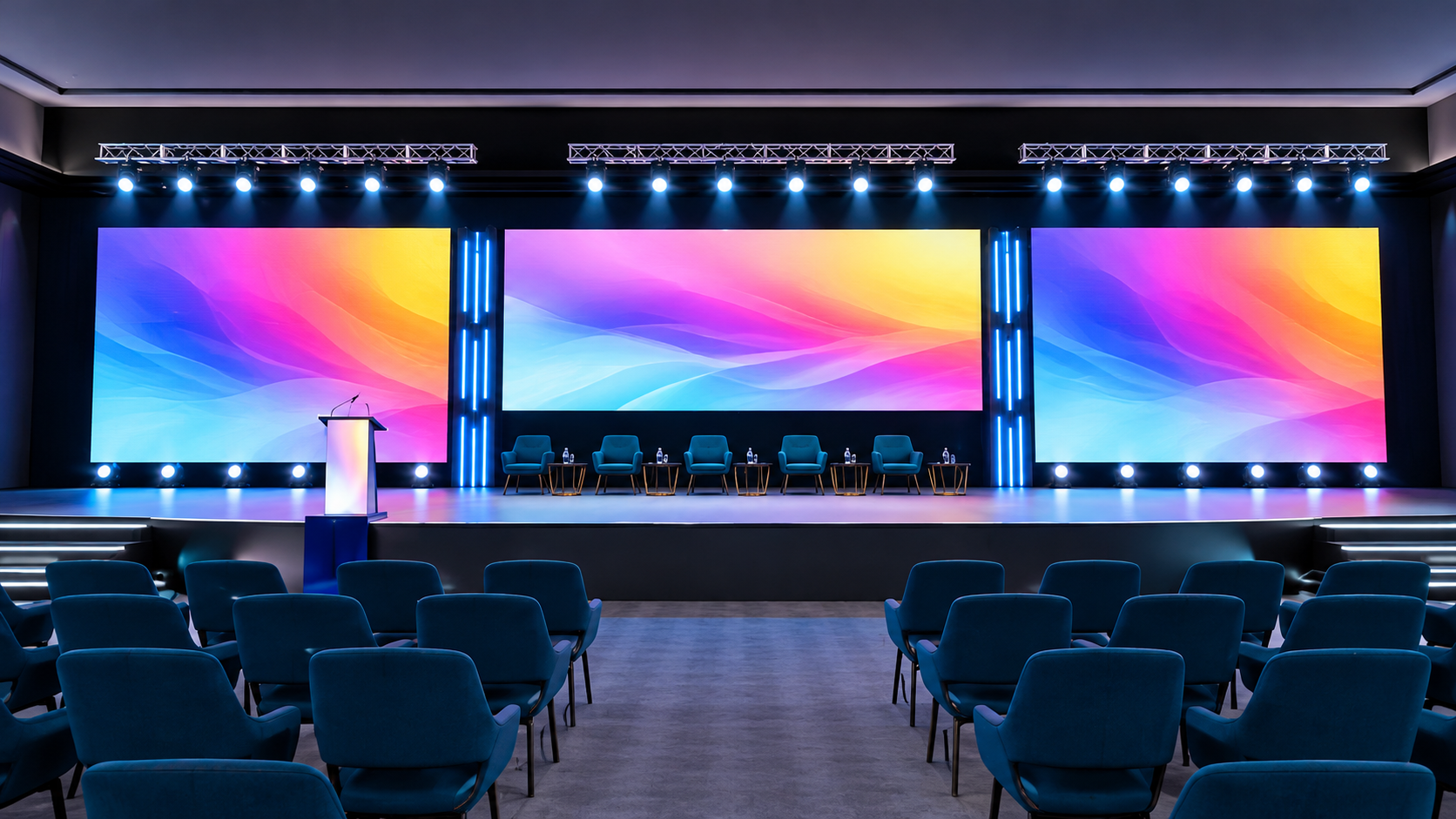
Visual displays play an important role in creating engaging indoor events. Whether you are organising a corporate conference, exhibition, product launch, awards ceremony or live presentation, the right screen helps deliver information clearly and keeps the audience focused. However, choosing a display involves more than selecting the largest screen available. Room dimensions, viewing distances, ambient lighting, content type, and audience size all influence the result.
With indoor LED screen hire, event organisers can select a display that suits their venue, event format and visual requirements without needing to purchase permanent equipment. A well-planned LED display can make presentations easier to follow, strengthen brand visibility and create a more professional event environment.
At Sublime Audio Visual, understanding the requirements of an indoor event is an important starting point when planning an effective audiovisual setup. From selecting a suitable screen size to considering placement and content compatibility, careful preparation helps ensure the display supports the event rather than becoming a distraction.
This guide explains the key factors event organisers and exhibitors should consider before choosing an indoor LED screen.
Understand Your Event's Purpose and Display Requirements
Define What the Screen Needs to Achieve
Before arranging LED screen hire, identify how the display will be used throughout the event. A screen designed for a keynote presentation may have different requirements from one used for product demonstrations, branded visuals or exhibition content.
For example:
Corporate conferences: Display presentations, speaker slides, event schedules, and supporting graphics.
Trade shows and exhibitions: Showcase products, promotional videos, demonstrations, and brand messaging.
Product launches: Highlight product features, reveal announcements, and create visual impact.
Awards ceremonies: Present names, categories, winners and supporting visuals.
Training sessions: Display instructional content, diagrams, and information for attendees.
Defining the purpose helps determine the appropriate screen dimensions, resolution, and installation position. It also helps the audiovisual team understand what the display must deliver.
Consider the Audience Experience
A display should make information easier to understand. If the screen is too small, people seated further away may struggle to read text or recognise visual details. If it is unnecessarily large, it may overwhelm a compact room or compete with the event's main presentation.
Consider the number of attendees, seating arrangement and how people will interact with the display. These details help establish a practical starting point for choosing the right screen.
Choose the Right Screen Size for the Venue
Match Screen Dimensions to Viewing Distance
Screen size is one of the most important considerations when planning an indoor display. The ideal dimensions depend on how far the audience will sit from the screen and the type of content being shown.
A display used for detailed presentation slides needs to make text readable from the back of the room. By contrast, a screen showing branded animations or large product visuals may prioritise overall visual impact.
When assessing screen dimensions, consider:
The distance between the display and the furthest attendee.
The width and depth of the room.
The height of the stage or presentation area.
Whether the audience will be seated, standing or moving around.
The amount of visual information displayed at one time.
For exhibitions, the display should also be visible from relevant visitor approaches without obstructing walkways or interfering with neighbouring stands.
Account for Room Layout and Sightlines
The room layout can influence how effectively a screen serves the audience. Columns, decorative features, stage equipment and other displays may block the view for some attendees.
Before confirming your indoor LED screen hire, review the venue layout and identify potential obstructions. Consider the display's height, viewing angle and position relative to the main seating area.
For larger audiences, multiple viewing areas may need to be considered. A screen positioned correctly for the front rows might not provide the same experience for attendees sitting at the back or to the sides. For more guidance on choosing the right display for different event settings, explore our blog on where LED TVs work best at corporate events, exhibitions and trade shows.
Understand LED Pixel Pitch and Resolution
Why Pixel Pitch Matters
Pixel pitch refers to the distance between the centres of adjacent pixels on an LED screen. It is commonly measured in millimetres. A smaller pixel pitch generally allows viewers to see a sharper image at closer distances, making it useful for displays where people will stand or sit near the screen.
A larger pixel pitch may be suitable for displays viewed from further away, depending on the content, screen dimensions and overall resolution.
Choosing the right specification involves balancing the expected viewing distance with the level of detail required. There is no single pixel pitch that works best for every indoor event.
Match Resolution to Your Content
Resolution affects how clearly images, text, and video appear on a display. The screen's physical dimensions and pixel configuration should be considered alongside the resolution of the source content.
For example, a presentation with small text, charts, and detailed graphics requires careful attention to readability. Promotional videos may place greater emphasis on image quality, colour and movement.
Before confirming the equipment, discuss the following with your audiovisual provider:
The intended content resolution and aspect ratio.
Whether presentations contain small text or detailed diagrams.
The distance from which the screen will be viewed.
Whether the display will show video, static graphics or mixed content.
Any requirements for multiple content sources or split-screen layouts.
These checks help reduce the risk of stretched images, unclear text, or content that does not fit the display properly.
Assess Indoor Lighting and Viewing Conditions
Manage Ambient Light
Indoor venues can have very different lighting conditions. A conference room may use controlled stage lighting, while an exhibition hall may have bright overhead lights and significant ambient illumination.
These conditions affect how the audience perceives the display. Screen brightness should be suitable for the room so that content remains visible without creating an unnecessarily harsh viewing experience.
When planning an LED display hire, assess the lighting around the screen, including windows, overhead fixtures, stage lights and decorative lighting. If possible, review the venue during the same time of day as the event.
Consider Reflections and Screen Placement
Although LED screens can perform well in many indoor environments, placement still matters. Bright light sources, reflective surfaces and poor viewing angles can affect the audience's experience.
Where practical, position the screen to minimise distracting reflections and ensure that important content remains visible from the main viewing areas. Coordinate the display location with the lighting and staging teams before the equipment is installed.
Check Content Compatibility and Connectivity
Prepare Content Before Installation
Even a high-quality display may produce disappointing results if the content has not been prepared for its dimensions and resolution. Images can appear stretched, text can become difficult to read, and video may not fill the screen as intended.
Event organisers should prepare presentation files, videos, logos, and promotional graphics before the event. Confirm the required file formats, aspect ratios, and playback arrangements with the audiovisual team.
It is also helpful to keep backup copies of important files and test all media before attendees arrive.
Confirm the Required Connections
Different events may use laptops, presentation systems, media players, cameras, or other audiovisual equipment. The display setup must support the intended sources and switching arrangements.
Before finalising your led screen hire, confirm:
Which devices will connect to the display.
The required video connections and adapters.
Whether presentations will switch between speakers or sources.
Whether live video feeds or remote presentations are required.
Who will operate the display during the event.
Clear communication about these requirements helps prevent delays during setup and supports smoother transitions between presentations. Explore our latest blogs for more tips on planning effective audiovisual setups and creating seamless event presentations.
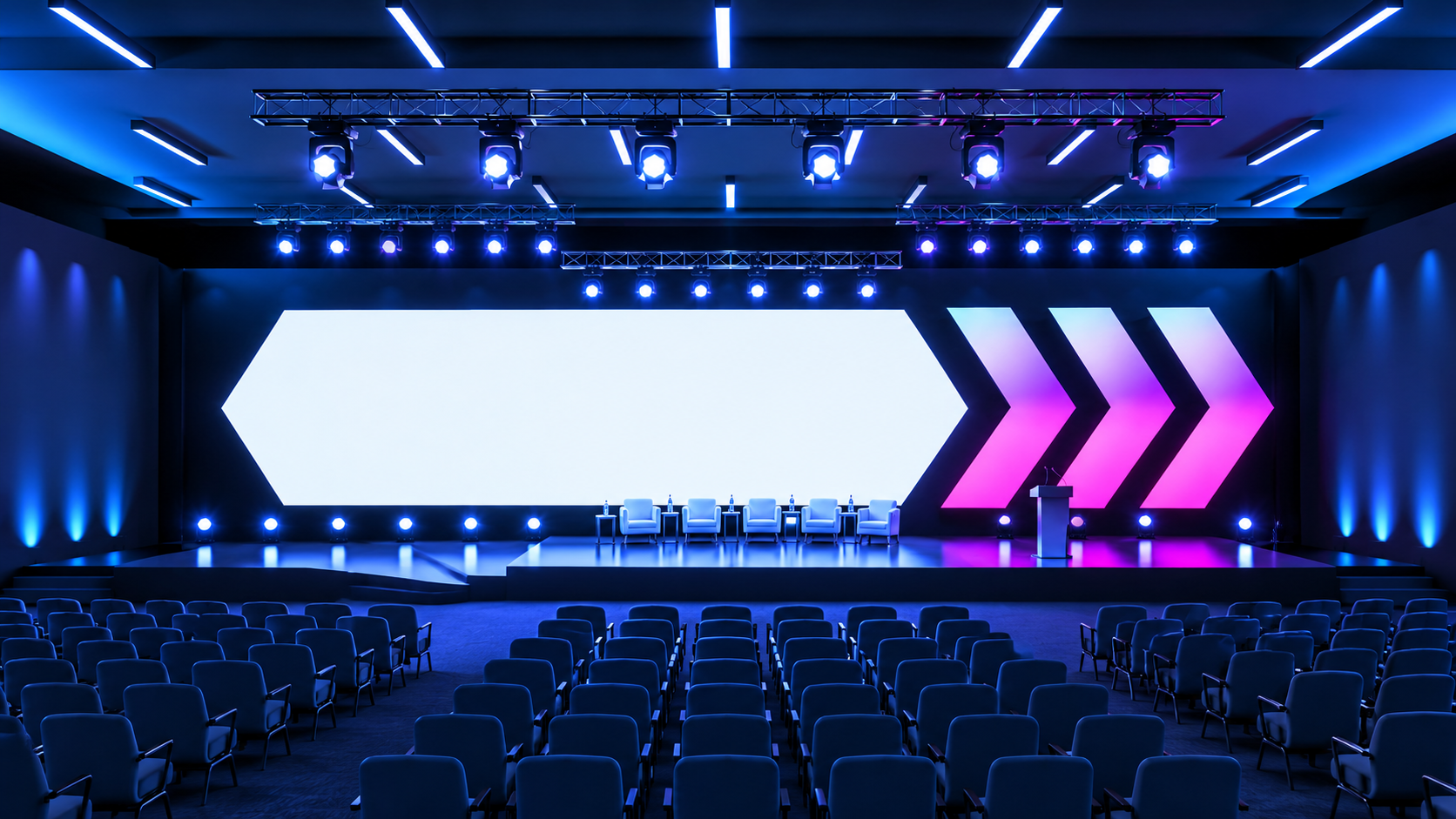
Compare the Main Indoor LED Display Requirements
The following table provides a practical starting point for evaluating your event's display needs.
| Consideration | What to assess | Why it matters |
|---|---|---|
| Screen size | Room dimensions and audience numbers | Supports visibility across the venue |
| Pixel pitch | Viewing distance and content detail | Influences image clarity at close range |
| Brightness | Ambient and stage lighting | Helps maintain comfortable visibility |
| Resolution | Content format and display configuration | Reduces scaling and readability problems |
| Placement | Sightlines, stage layout and obstructions | Helps more attendees view the screen |
| Connectivity | Laptops, media players and video sources | Supports reliable content playback |
| Installation | Venue access and mounting requirements | Helps coordinate safe, timely setup |
| Technical support | Operating arrangements and troubleshooting | Reduces disruption during the event |
Use these factors to compare suitable display configurations rather than choosing equipment based on size alone.
Plan Installation, Setup and Technical Support
Confirm Venue Access and Installation Requirements
Indoor LED displays may require dedicated installation time, suitable mounting arrangements, cable management, and coordination with other event equipment. These requirements vary according to the display configuration and venue.
Before the event, confirm access times, loading arrangements, ceiling restrictions, available floor space and any venue-specific installation rules. If the screen will be positioned on a stage or suspended above the audience, the installation method must be assessed by appropriately qualified personnel.
Allow enough time for the display to be assembled, configured, and tested before the event begins. Rushed installation can create avoidable technical problems and affect the wider event schedule.
Arrange Appropriate Technical Support
A display can be central to the success of a presentation, so organisers should understand who is responsible for operating and troubleshooting the equipment.
Depending on the event, support may be needed for switching between speakers, managing media playback, adjusting display settings, and resolving connectivity issues.
Discuss technical support arrangements with your audiovisual provider in advance. Establishing responsibilities before the event helps ensure that presenters can focus on their sessions rather than managing equipment.
For a coordinated setup, event organisers can explore the audiovisual solutions available through Sublime Audio Visual and discuss how display requirements fit into the wider event production.
Conclusion: Choose the Right Indoor LED Screen for Your Event
Choosing an indoor display involves balancing screen size, viewing distance, pixel pitch, lighting, content requirements, and venue layout. Each factor contributes to how clearly attendees can see information and how effectively the display supports the event.
The right indoor LED screen hire solution should suit the space, meet the needs of the audience and integrate smoothly with the wider audiovisual setup. Careful planning also helps address installation, connectivity, accessibility, and technical support before the event begins.
Sublime Audio Visual can be your starting point when planning the display requirements for conferences, exhibitions, product launches and other indoor events. By identifying your objectives and venue constraints early, you can make a more informed decision about the screen configuration that suits your event.
Contact us through the Sublime Audio Visual website to discuss your event requirements and determine which indoor LED display setup is appropriate for your venue, audience and content.
Frequently Asked Questions
-
Indoor LED screen hire involves hiring an LED display for an event held inside a venue. It can be used for presentations, conferences, exhibitions, product launches, promotional videos and other visual content.
-
Consider the venue dimensions, audience size, viewing distance and type of content. A display should be large enough for attendees to see clearly without overwhelming the room or interfering with the event layout.
-
The appropriate pixel pitch depends on how close the audience will be to the screen and how much detail the content requires. Smaller pixel pitches generally support sharper viewing at closer distances, while other configurations may suit audiences positioned further away.
-
Yes. Indoor LED displays can support presentations, videos, promotional graphics and other visual content when the appropriate connections, processing equipment and content formats are available. Confirm compatibility before the event.
-
Review the screen size, resolution, pixel pitch, venue lighting, viewing angles, connectivity, installation requirements and technical support arrangements. Preparing your content and confirming venue access in advance can also help the event run smoothly.