
How Multiple TV Screens Improve Audience Visibility at Events
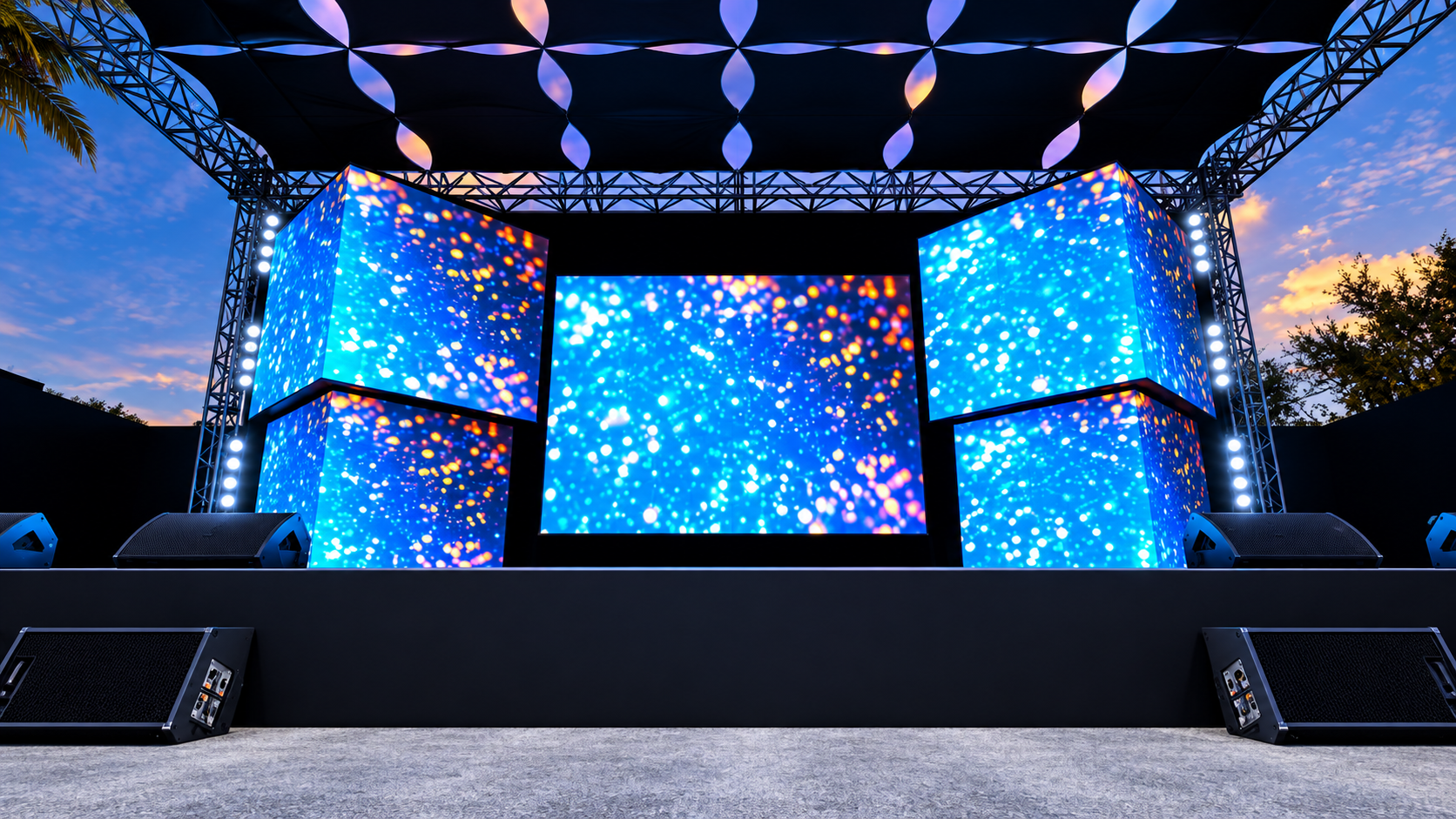
Clear visual communication is an important part of a successful event. Whether you are organising a corporate conference, exhibition, product launch, presentation, sporting event or private function, every attendee should have a clear view of the content being presented.
A single large display can work well in some venues, but it is not always the most effective solution. Large rooms, wide seating arrangements, multiple viewing angles and venue restrictions can make it difficult for everyone to see one central screen clearly.
This is where multiple screens can provide a practical solution. Strategically positioned televisions can distribute visual content throughout the venue, helping attendees view presentations, videos, live camera feeds, schedules and branding without constantly looking towards one distant screen.
For event planners considering LED TV screen hire for events, a multi-screen setup can improve audience visibility while providing greater flexibility in event display planning. Sublime Audio Visual provides professional LED TV hire and audiovisual solutions for corporate meetings, conferences, exhibitions, sporting events, presentations and other events across Brisbane, the Gold Coast and Sunshine Coast.
Why Audience Visibility Matters at Events
Event attendees should not have to strain to see a presentation or constantly turn their heads to follow what is happening on stage.
Good visual planning ensures that important information remains accessible throughout the audience area. This can make presentations easier to follow and help maintain attention during longer sessions.
Audience visibility becomes especially important when an event includes:
Large numbers of attendees
Wide or unconventional room layouts
Multiple seating sections
Presentations with detailed content
Live camera feeds
Product demonstrations
Video content
Speaker presentations
Branding and promotional content
A professional AV hire solution can help event planners determine whether one large display, multiple TVs or a combination of display technologies is most suitable.
The Problem With One Central Screen
A single screen positioned at the front of a venue may provide excellent visibility for guests in the centre, but people seated towards the sides or rear can have a different experience.
The further an attendee is from the main screen, the smaller text, graphics and presentation details can appear.
A multi-screen setup distributes the visual information closer to the audience.
This is particularly useful when attendees need to read:
Presentation slides
Speaker information
Event schedules
Product specifications
Charts and diagrams
Captions
Live video content
Instead of asking the entire audience to focus on one distant display, multiple screens create additional viewing points throughout the venue.
How Multiple TV Screens Improve Event Visibility
Multiple screens can be positioned around a venue according to the audience layout. This creates a more consistent viewing experience and allows event planners to use the available space more effectively.
1. Better Viewing From Different Seating Areas
One of the biggest advantages of multiple screens is improved coverage.
Instead of relying on one screen at the front, additional displays can be placed along the sides or further back in the room.
For example, a conference may have a main presentation screen behind the speaker and additional TVs positioned along the side walls. Attendees sitting further away can then view the same presentation without depending entirely on the main display.
This approach can be particularly effective in venues with wide seating arrangements.
2. Supports Large and Irregular Venues
Not every event venue has a simple rectangular layout.
Ballrooms, exhibition spaces, conference rooms and temporary event structures can have columns, partitions or multiple audience zones.
A carefully planned multi-screen arrangement can work around these limitations.
Sublime Audio Visual provides LED TV hire in Brisbane, with professional display solutions designed for different event environments.
3. Creates Consistent Visual Communication
When multiple displays show the same content, attendees can follow the event regardless of where they are sitting.
This can be useful for corporate presentations where every attendee needs to see the same slides, video, or speaker information.
Multiple screens can also display live camera feeds, allowing the audience to see speakers and demonstrations more clearly. Explore our other blogs for more helpful insights and practical information about audiovisual solutions, event technology, and presentation setups.
Screen Placement Strategy for Event Planners
Simply adding more screens does not automatically improve visibility. Their position, height, orientation and viewing angle all need to be considered.
A good screen placement strategy begins with understanding how the audience will use the venue.
Consider the Audience Layout
Before deciding where screens should go, map out the expected seating and standing areas.
Consider:
Front and rear seating
Left and right viewing zones
VIP areas
Accessibility areas
Walkways
Registration areas
Networking spaces
Exhibition stands
The objective is to make sure each important audience area has a practical viewing position.
Consider Screen Height
A screen positioned too low can be blocked by people, furniture or other equipment.
Screens should generally be positioned so that the content remains visible above potential obstructions without creating uncomfortable viewing angles.
Professional installation and appropriate stands can help achieve a secure and suitable position.
Consider Viewing Angles
The angle between the viewer and screen can affect the viewing experience.
Screens positioned directly towards an audience generally provide the clearest viewing conditions. Where side-mounted screens are required, their orientation should be considered carefully.
This is one reason professional event display planning can make a significant difference.
Multiple Screens for Conferences
Conferences are one of the clearest examples of where multiple screens can improve audience visibility.
A conference may involve keynote speakers, panel discussions, presentations, videos, sponsor content and live camera feeds.
Instead of expecting every attendee to watch one central screen, event planners can use multiple displays to create a more accessible visual environment.
Supporting Conference Presentations
Conference presentation content often includes detailed information that needs to be readable from a distance.
Multiple displays can help attendees follow:
Presentation slides
Speaker names
Session information
Charts
Graphs
Video content
Live demonstrations
This makes conference technology an important consideration during the planning stage.
For events requiring presentation displays, Sublime Audio Visual can also provide projector and screen hire where projection is better suited to the venue and event format.
Multiple Screens for Exhibitions and Trade Shows
Exhibitions often require businesses to attract attention while also communicating information quickly.
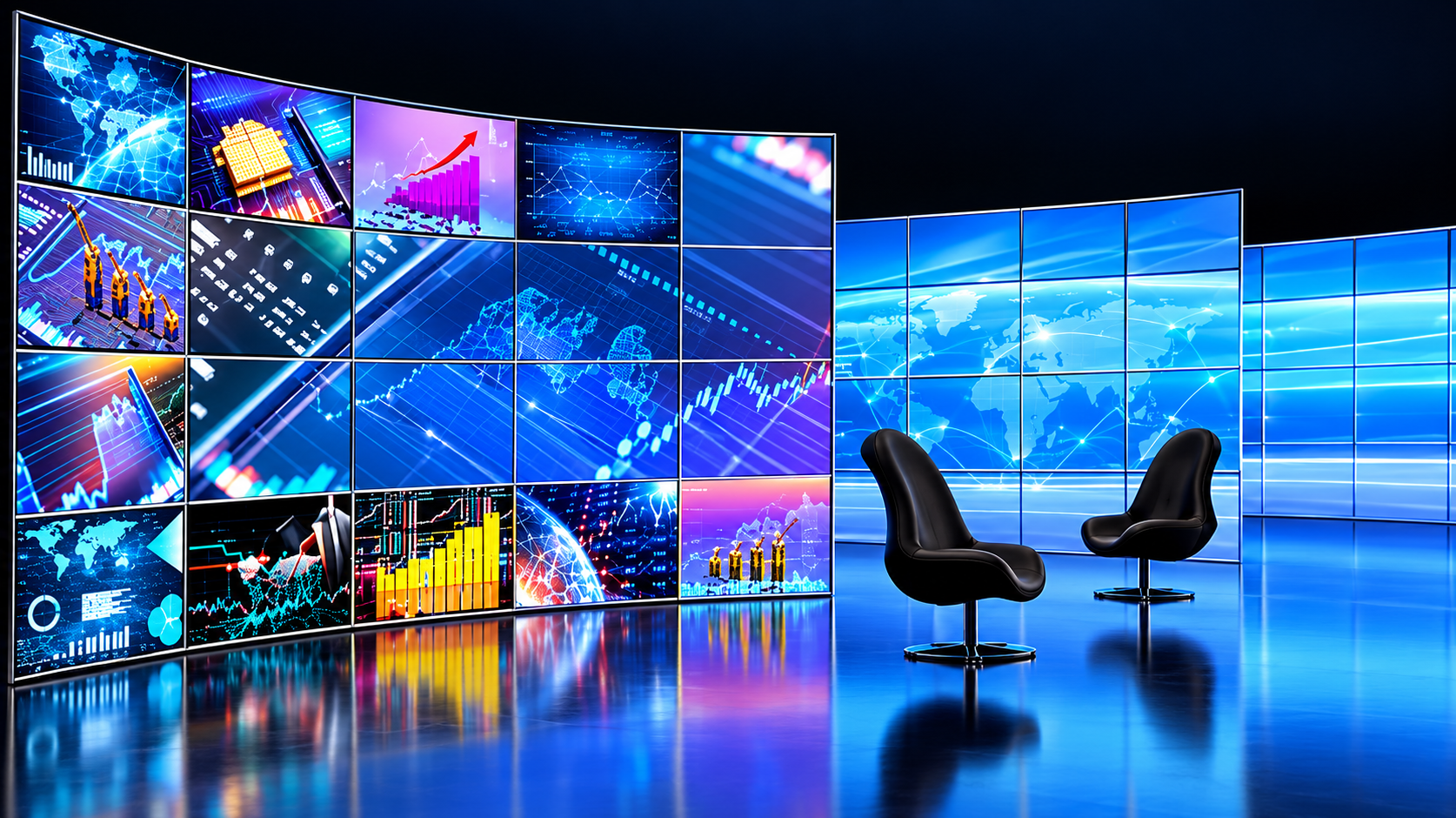
Multiple TV screens can help exhibitors use visual content across different areas of a stand or event space.
For example, one screen may show a company introduction while another displays product information or a demonstration.
This allows event planners and exhibitors to communicate multiple messages without relying entirely on printed signage.
Sublime Audio Visual's experience with LED TV hire for corporate events and exhibitions can help businesses plan displays around their available event space.
Multi-Screen Setups for Live Events
Multiple screens are also useful for events where the audience needs to see activity taking place on stage.
Examples include:
Awards ceremonies
Sporting events
Product launches
Live performances
Corporate celebrations
Presentations
Panel discussions
A camera can capture the speaker or action while multiple screens distribute the live feed around the venue.
This can be particularly valuable when the stage is partially obstructed from certain seating positions.
Improving the Live Audience Experience
A multi-screen setup can make a venue feel more connected.
Guests seated further away can follow what is happening without constantly looking towards the stage.
For a product demonstration, for example, close-up camera footage can be displayed on multiple TVs so attendees can see product details that may not be visible from their seating position.
Multi-Screen Event Display Planning
Good event display planning should begin well before equipment arrives at the venue.
The following factors should be considered during the planning stage:
| Planning Factor | Why It Matters |
|---|---|
| Audience size | Determines how much visual coverage is required |
| Venue dimensions | Helps identify suitable screen positions |
| Viewing distance | Influences screen size and placement |
| Seating layout | Determines viewing zones |
| Content type | Helps establish appropriate display requirements |
| Screen orientation | Allows displays to suit available space |
| Camera feeds | Determines video distribution requirements |
| Power and cabling | Supports safe and reliable installation |
| Event schedule | Helps coordinate setup and testing |
Planning these details in advance can reduce last-minute adjustments and help ensure the displays work effectively throughout the event.
How Multiple Screens Can Support Branding
Event screens do not have to show presentation content all the time.
They can also be used to reinforce event branding and maintain a consistent visual identity.
Between presentations, screens can display:
Company logos
Sponsor messages
Event graphics
Welcome messages
Speaker information
Social content
Session schedules
Promotional videos
This keeps the visual environment active while providing useful information to attendees.
For corporate events, this can help create a more polished and organised atmosphere.
Synchronising Multiple TV Screens
One important consideration when using multiple screens is ensuring that the displays show the correct content at the right time.
Professional AV systems can distribute the same video signal to several screens. This allows event planners to maintain consistency across the venue.
Sublime Audio Visual's LED TV hire service supports multi-screen configurations where multiple displays can be connected to show the same source.
This can be useful when a single laptop, camera, media player or vision system needs to feed several screens simultaneously.
Keeping Content Consistent
For presentations, consistency is important.
If one screen displays different content from another without a clear reason, attendees may become confused.
A centralised signal distribution approach can help ensure that all connected displays receive the intended content.
Professional setup and testing can also help identify connection issues before the event begins.
Choosing the Right Screen Setup
The ideal display configuration depends on the event rather than simply the number of screens available.
A smaller meeting may need one centrally positioned TV. A large conference may benefit from a main display supported by additional screens. An exhibition may use several displays to communicate different messages across a stand.
Event planners should consider:
How many people will attend?
Where will guests be positioned?
How far will the furthest attendee be from a screen?
Does the venue have columns or obstructions?
Will presentations contain detailed information?
Will live camera feeds be required?
Does the event need portrait or landscape displays?
Will multiple screens need to show the same content?
Our guide on choosing the right TV screen size for your event provides further guidance on matching display size to audience and venue requirements.
Why Professional AV Planning Matters
Equipment selection is only one part of creating an effective display system.
Professional AV planning considers screen placement, audience sightlines, cabling, power requirements, content sources, installation and testing.
Sublime Audio Visual has more than 15 years of experience in audiovisual events and supports corporate events, conferences, exhibitions, product launches, private functions and other productions.
The team can assist with:
Display selection
Screen placement
Equipment delivery
Professional installation
Signal distribution
Testing
Technical support
Equipment collection
By planning the visual system as part of the wider event production, organisers can create a more reliable and professional experience.
When Should You Use Multiple TV Screens?
Multiple screens are particularly useful when the audience is spread across a wide venue or when several viewing zones need clear access to the same content.
They can be a strong choice for:
| Event Scenario | Multi-Screen Benefit |
|---|---|
| Large conference | Improves presentation visibility |
| Corporate meeting | Supports attendees around a large room |
| Exhibition | Provides multiple branded content points |
| Product launch | Extends visual coverage around the venue |
| Sporting event | Allows more guests to follow live action |
| Awards event | Supports stage visibility |
| Panel discussion | Makes speakers easier to see |
| Networking event | Displays schedules and event information |
The key is to use screens strategically rather than simply adding displays without a clear purpose.
Why Choose Sublime Audio Visual?
Sublime Audio Visual provides professional audiovisual equipment and event support across Brisbane, the Gold Coast, Sunshine Coast and nationally.
The company's services include LED TV displays, LED video screens, projectors, sound systems, microphones, lighting, staging and other event AV solutions.
With experience across corporate events, conferences, exhibitions and private functions, the team understands that every venue has different technical and audience requirements.
Professional planning can help event organisers select an appropriate screen configuration, position displays effectively and ensure the equipment is prepared before guests arrive.
For event planners who need a complete visual solution, exploring Sublime Audio Visual's event AV services can help identify the right combination of display and production equipment.
Conclusion
Multiple TV screens can significantly improve audience visibility at events by bringing important visual content closer to attendees. Instead of relying on one distant display, event planners can create several viewing points that support presentations, live video, branding, schedules and demonstrations.
A successful multi-screen setup depends on more than the number of displays. Screen size, placement, viewing distance, audience layout, content requirements and signal distribution all need to be considered during event display planning.
For event planners considering led tv screen hire for events, professional AV support can make the process easier and help ensure every screen contributes to a clear and engaging audience experience.
Sublime Audio Visual provides professional LED TV hire and complete audiovisual solutions for conferences, corporate functions, exhibitions, product launches, sporting events and other occasions across Brisbane and surrounding areas. Contact us to discuss your event requirements and develop a display setup designed around your venue and audience.
Frequently Asked Questions
-
Multiple TV screens distribute visual content across different areas of a venue. This helps attendees seated at the sides or rear view presentations, videos and live feeds without relying on one distant central screen.
-
The number depends on venue size, audience numbers, seating layout, viewing distance and content requirements. A professional AV provider can assess the venue and recommend an appropriate screen configuration.
-
Yes. Multiple displays can be connected to the same video source so they show identical content simultaneously. This is useful for conferences, presentations, exhibitions and larger corporate events.
-
Screens should be positioned according to audience seating, viewing angles, room dimensions and potential obstructions. Side screens can be useful for wide rooms, while additional rear displays can support attendees seated further from the stage.
-
Professional AV support can help with screen selection, placement, installation, signal distribution, testing and technical requirements. This helps reduce the risk of visibility or connectivity problems during the event.